
Scan from gallery
Read codes from screenshots or photos, including white QR codes on a dark background. When there are several codes, you pick the one to open.
 QR & barcode scanner
Qilat reads QR codes and barcodes, then checks every link on your device before it opens. Links that use the name of a bank or e-wallet but are not its official site get a warning right away.
Want to try it first? Become a tester
QR code scams keep growing. Qilat never opens a link automatically.
Warnings for links that use the name of a bank, e-wallet, or online store but are not its official site.
Links that would download an app file are flagged right away, because this trick is often used to steal data.
The check runs on your phone. Links you scan are not sent to any Qilat server.
Open a link, join Wi-Fi, save a contact, or look up a product from one result card.
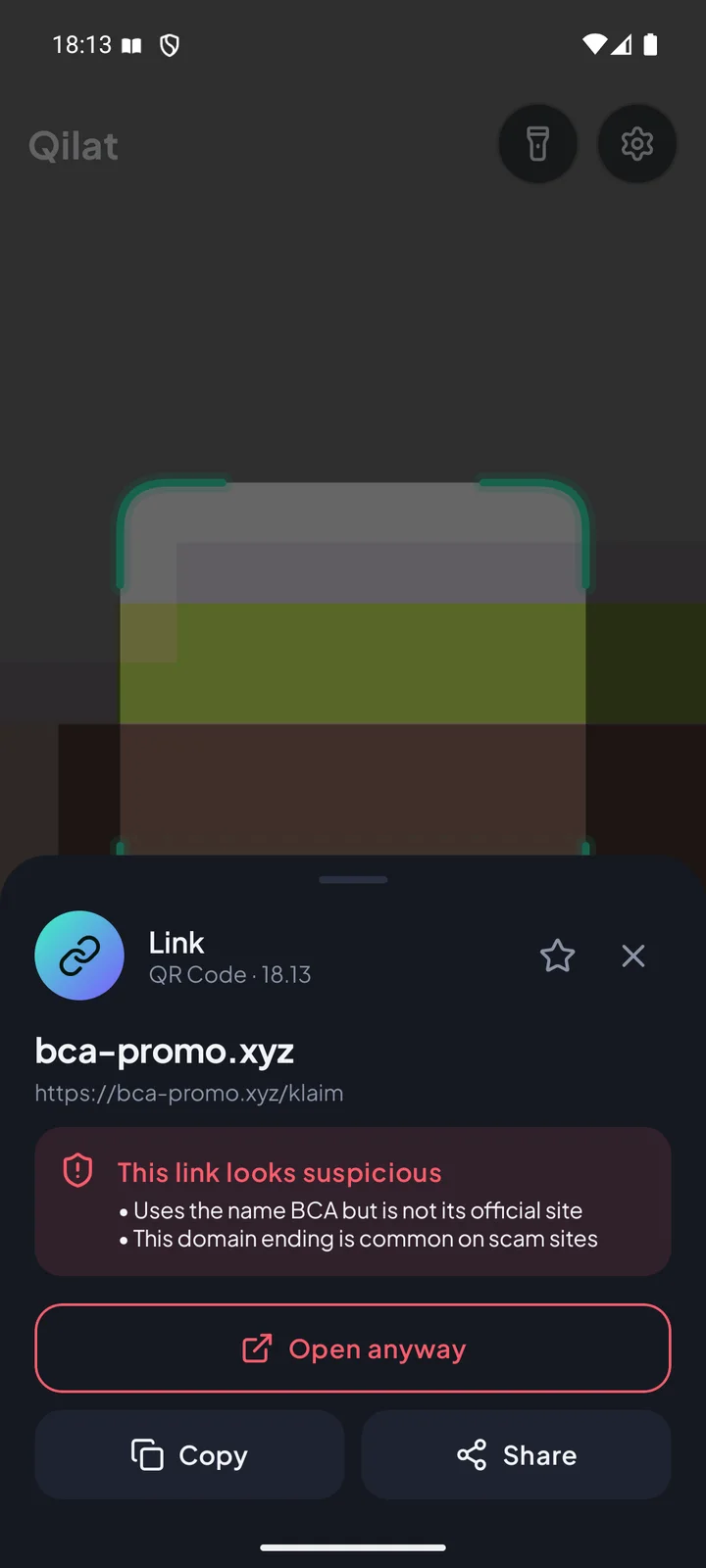
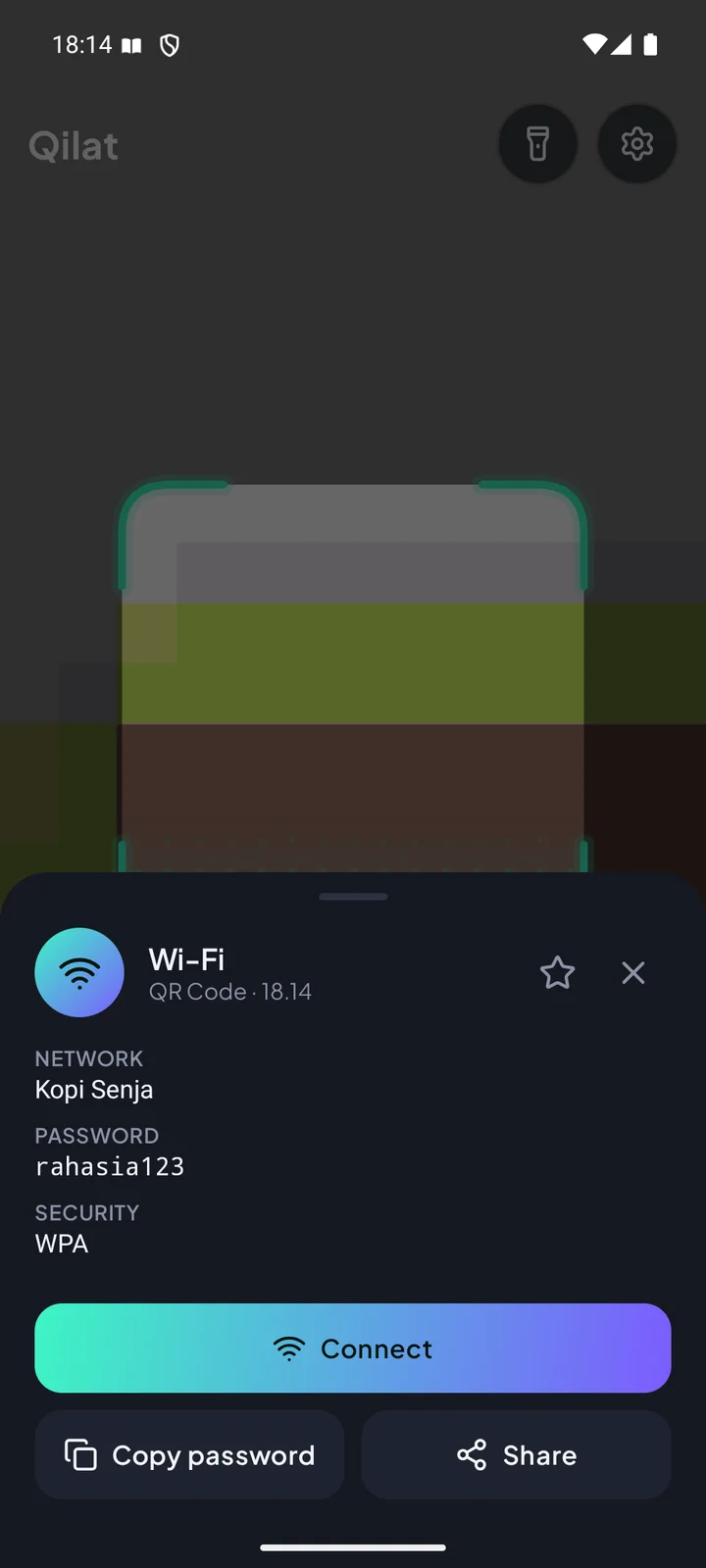
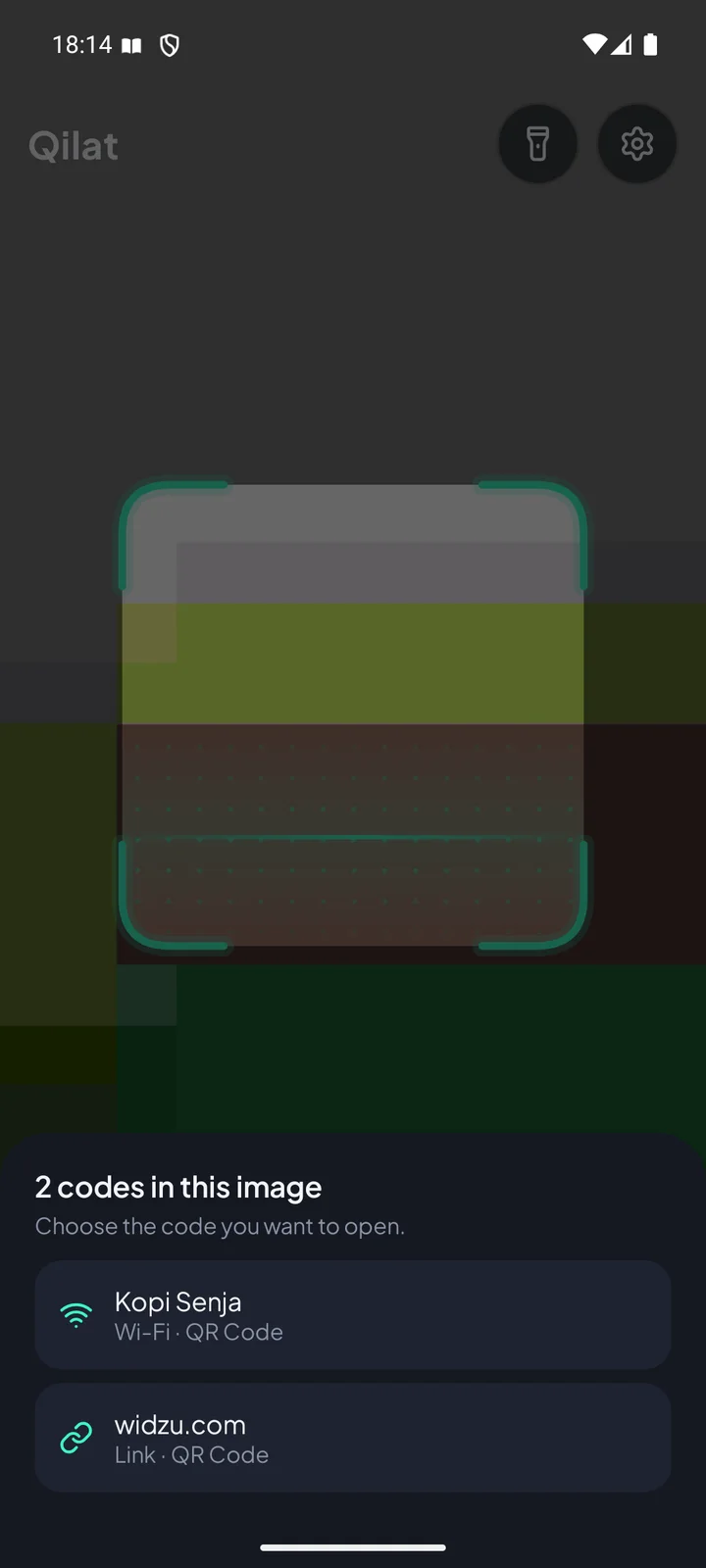
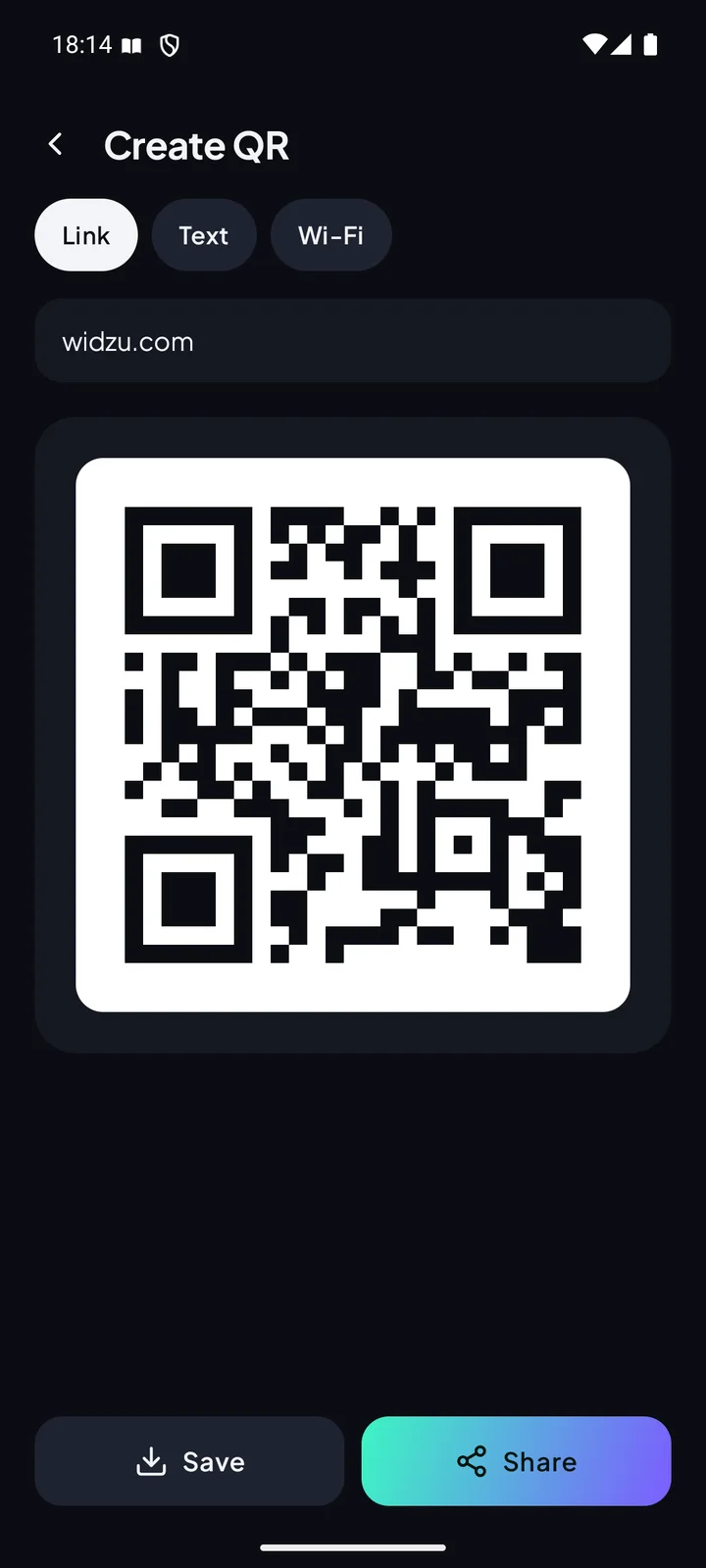
From restaurant menu QR codes to product barcodes on the shelf.
Small details that make scanning easier.
Read codes from screenshots or photos, including white QR codes on a dark background. When there are several codes, you pick the one to open.
Scan results are saved on your device. Search them, mark favorites, or turn history off in Settings.
Create QR codes for links, text, or Wi-Fi, then save them to your gallery or share them.
Share a saved Wi-Fi network from Android settings, then scan the screenshot to see the password.
Send a question or report a problem straight from the app.
The camera is only used to read codes. Images are never saved or sent anywhere.
No subscription and no in-app purchases.
Help us test it before the official release. It is free, and we read every piece of feedback.
Join the Widzu Testers Google Group with the Google account you use on the Play Store.
Open the Qilat testing link, then tap "Become a tester".
After a few minutes, you can install the app from the Play Store as usual.
Can't find your answer? Send a question through the Help menu in the app.
No check can guarantee that. Qilat flags the most common scam patterns, such as fake brand names, APK files, look-alike characters, and shortened links. Always check the address before entering a password, PIN, or OTP code.
No. Link checks and code reading run on your device. A link is only sent to its destination site if you choose to open it.
Ads keep every feature free. A video ad appears at most once every 3 hours, and only after you close a scan result.
Yes. Tap Gallery and pick an image. If the image has several codes, Qilat shows a list to choose from.
Open Android Wi-Fi settings, tap a saved network, and choose Share. Take a screenshot of the QR code, then scan it from Gallery in Qilat.